The screen was black. The data was fine.
An iPhone 15 Pro Max came in completely dark. It charged. It buzzed on notifications. It just never showed a picture again. The owner had years of photos on it and no recent backup, and every recovery route Apple offers needs one thing this phone couldn't do: show you the passcode screen.
Not in the GTA? We accept mail-in data recovery from anywhere in Canada
What came in
- No display at allBlack from the moment it's powered
- Phone still aliveCharged, vibrated, made sounds
- No recent backupYears of photos, nothing in iCloud
- Data unreachableCan't enter a passcode you can't see
What we found
- Storage untouchedThe NAND was never the problem
- Display rail shortedOne failed capacitor pulling it down
- Panel itself fineNo damage to the screen assembly
- Data fully recoveredEverything came off the phone
A phone with no display is not a dead phone. That distinction is the whole job, and it is the reason this one ended well.
When a screen goes black people assume the worst, because a black screen looks exactly like a dead phone. But the storage chip in an iPhone doesn't care whether the display works. The photos, messages and notes were sitting on the NAND the entire time, perfectly intact. The problem was never the data. The problem was the door.
Why "no display" locks you out of your own phone
Modern iPhones encrypt everything on the storage chip, and the key is tied to your passcode. Nothing gets read off that phone until someone types the passcode in. Not iTunes, not Finder, not a recovery tool, not us.
Which creates the trap. To type the passcode you need to see the keypad. To see the keypad you need a working display. So a display fault, which has nothing whatsoever to do with storage, becomes a complete data lockout.
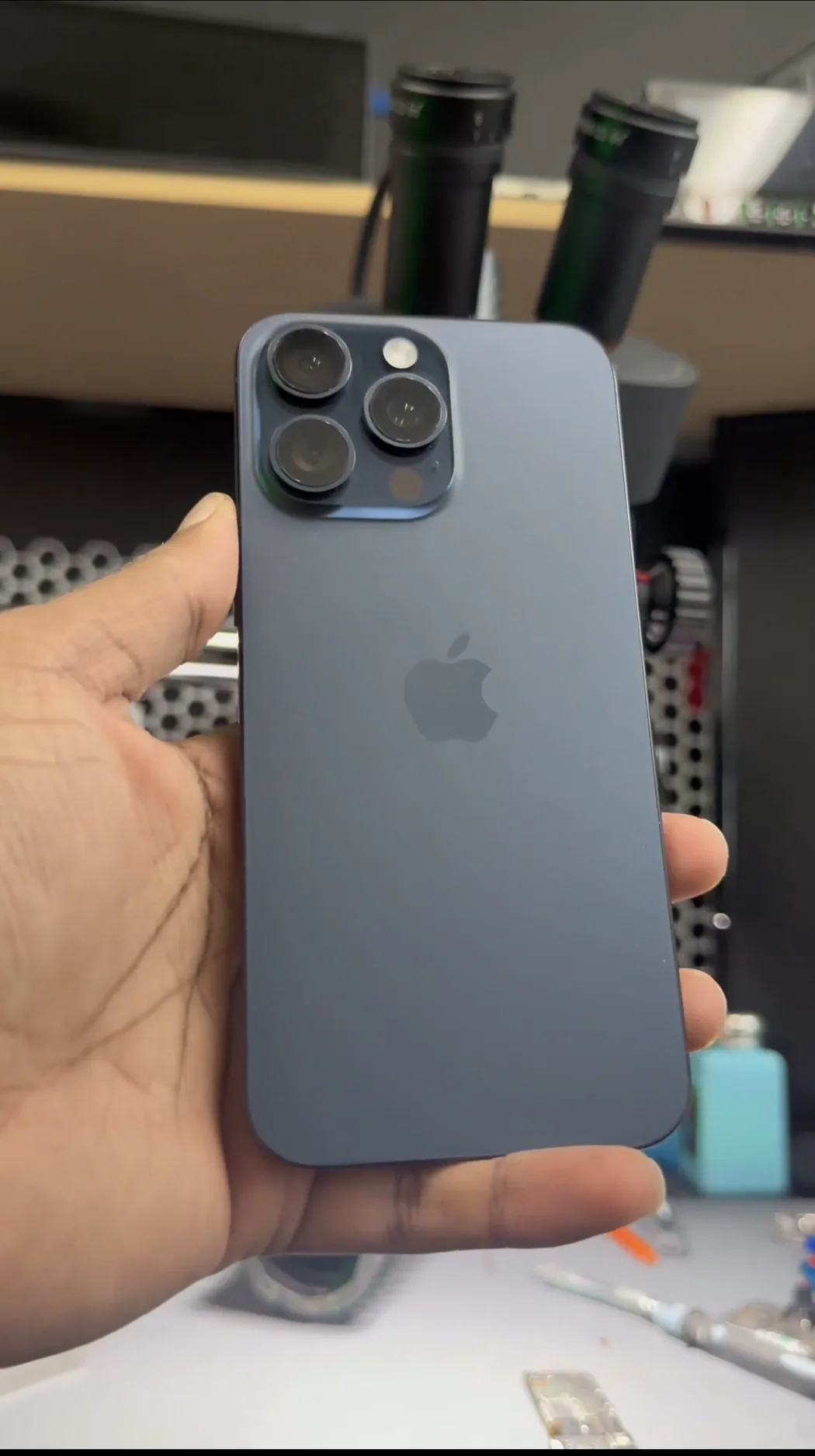
Screen or board?
Almost every shop starts by swapping in a known-good display. That's the right first move, it takes ten minutes, and most of the time it solves the problem. On this phone it changed nothing. Same black screen with a screen we knew worked.
That result is actually useful. It moves the fault off the panel and onto the logic board, specifically onto the circuitry that generates display power. An iPhone display needs several voltages to light up, and those are produced by a dedicated display power management IC. On this board it's a Texas Instruments TPS65657, and it sits in a dense cluster of tiny supporting capacitors.
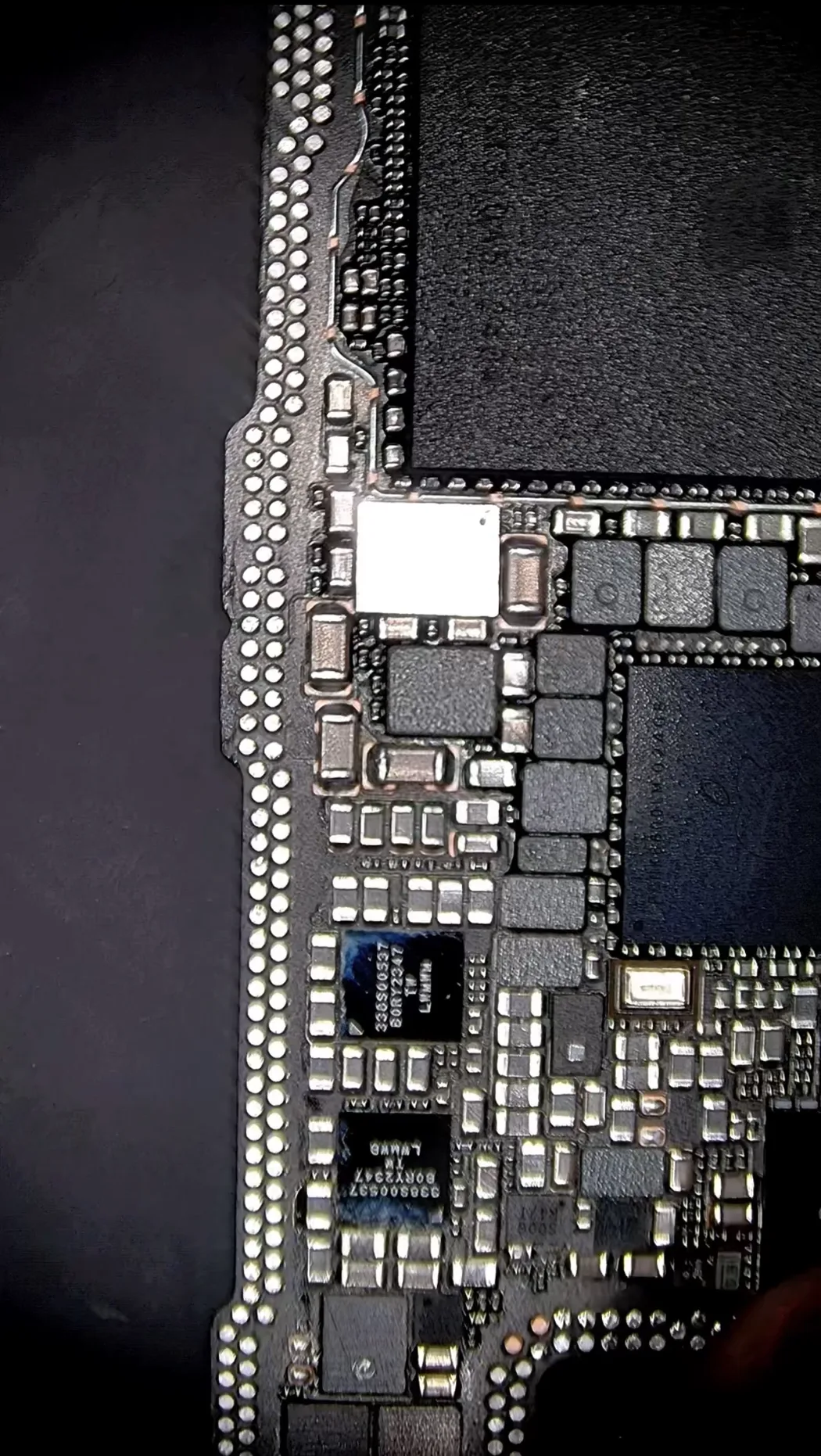
One shorted capacitor
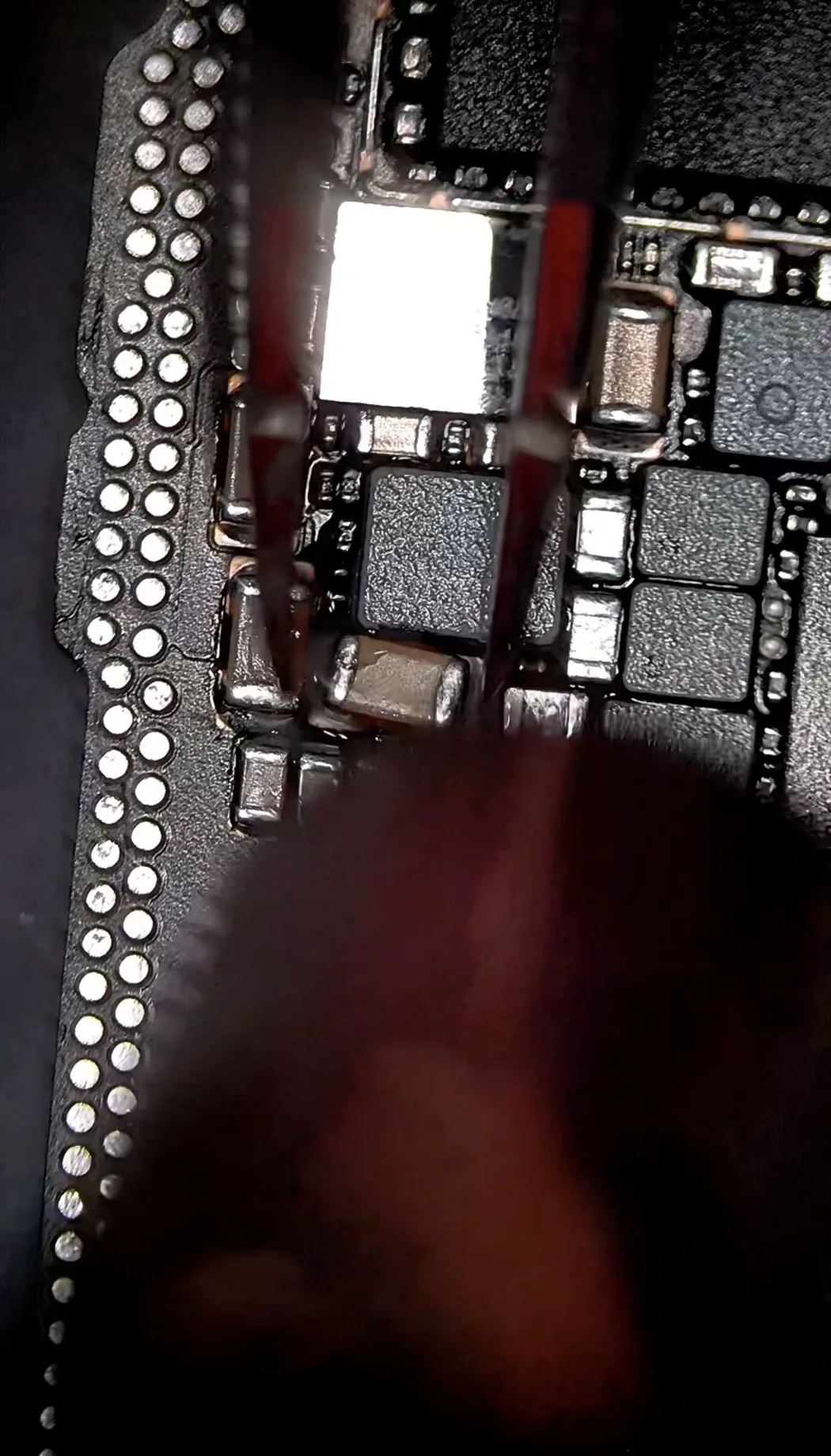
Those capacitors are there to keep the display rails clean and stable. They are the size of a grain of sand. When one fails it usually fails short, which means instead of doing its job it becomes a direct path to ground. The rail it was supporting can no longer hold voltage.
The display PMIC then does exactly what it's designed to do: it detects a rail that won't come up, decides something downstream is faulty, and refuses to power the display at all. The chip isn't broken. It's protecting itself. Everything downstream of that decision, including your screen, stays dark.
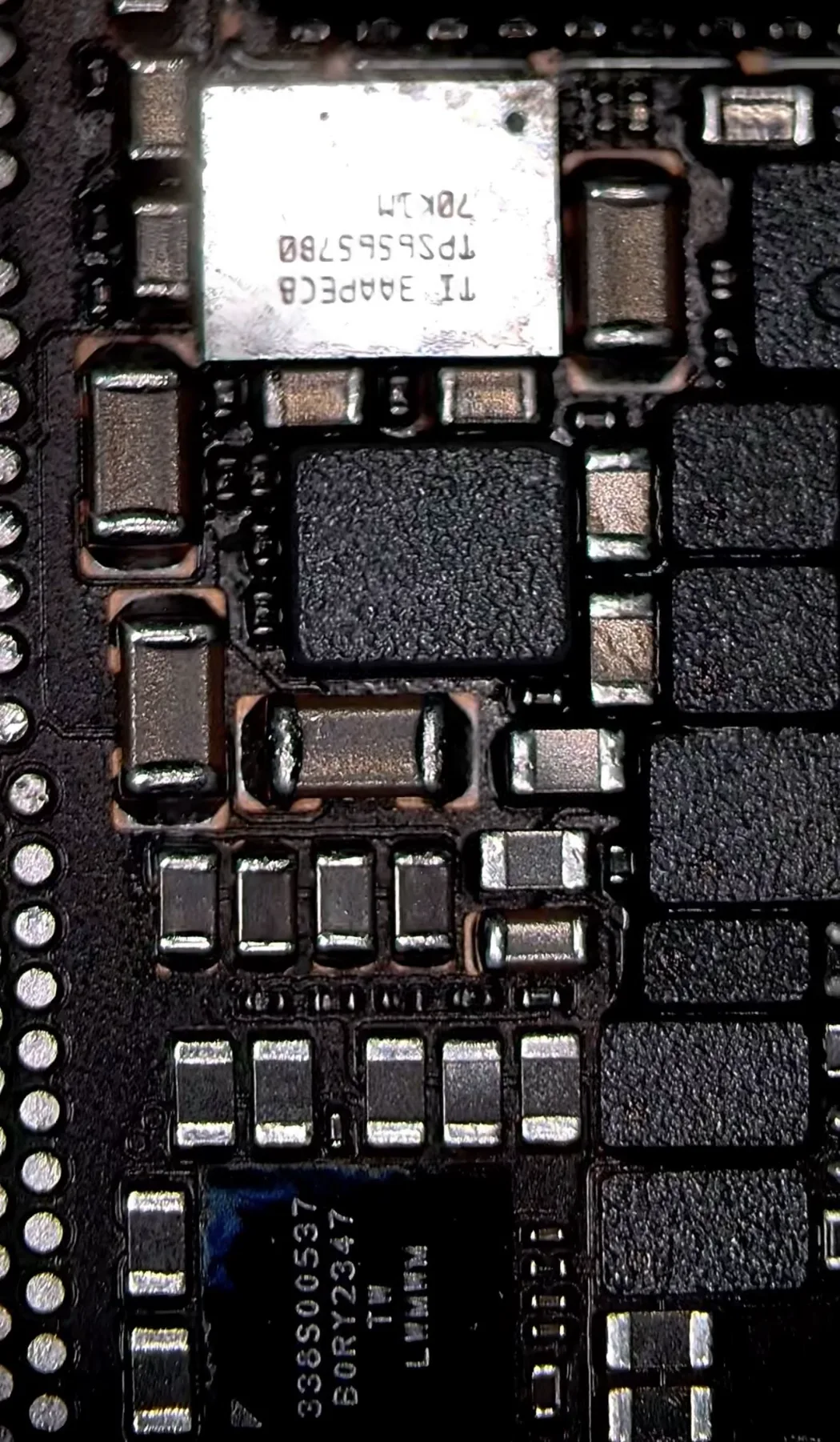
Removing it is the risky part
This is where a data recovery job can turn into a lost phone, so it's worth being honest about the risk rather than making it sound routine.
The failed capacitor sits millimetres from the display PMIC and from dozens of other components, on a board where the pads are smaller than the printed text next to them. Removing it means bringing heat to that exact spot and nowhere else. Too much and you lift neighbouring parts, damage pads, or cook a chip that was working fine. Get it wrong badly enough and the data that was always recoverable stops being recoverable.
That's the trade every board-level recovery makes: a controlled risk now, against a phone that is otherwise permanently shut.
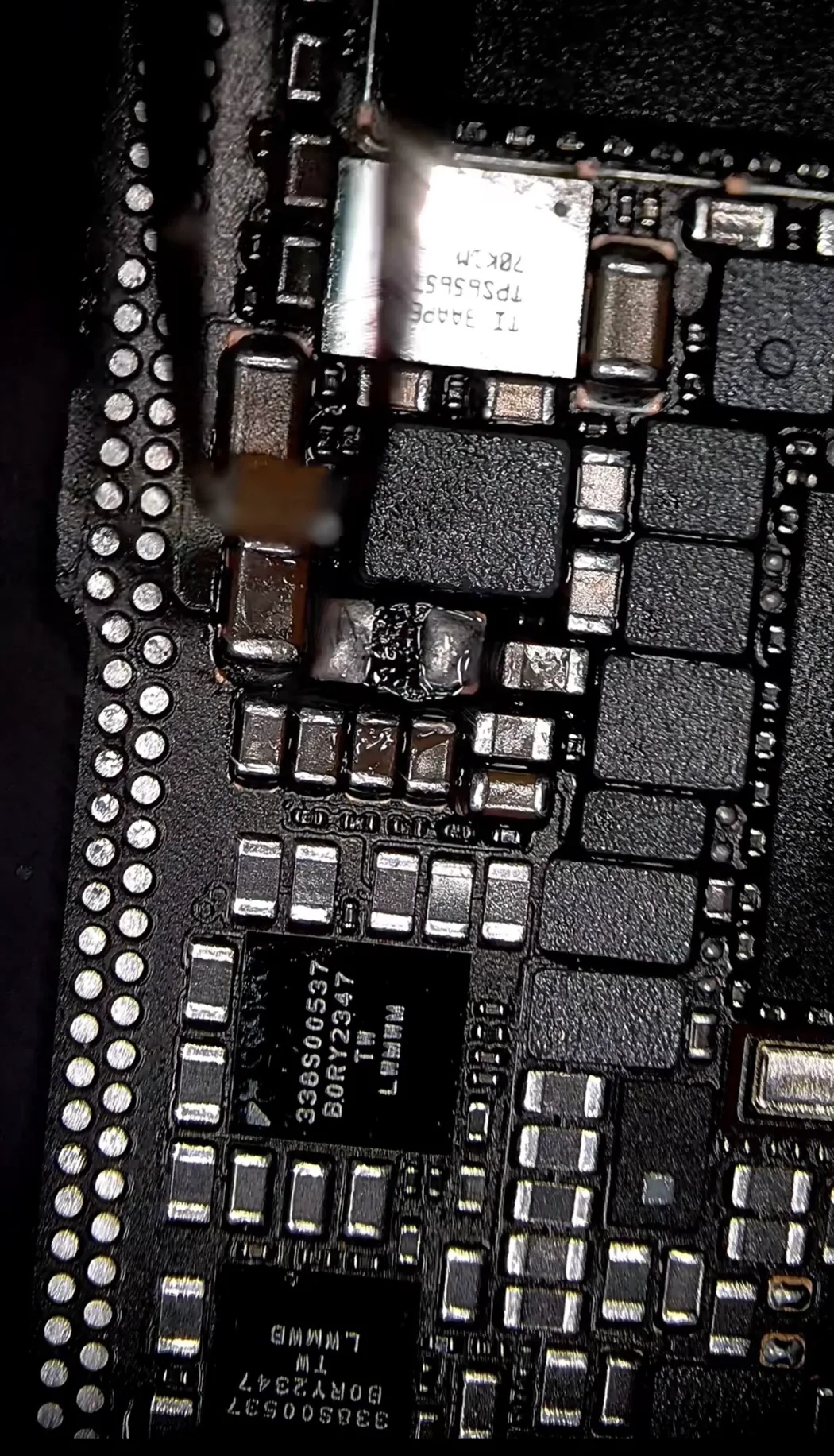
Passcode in, data out
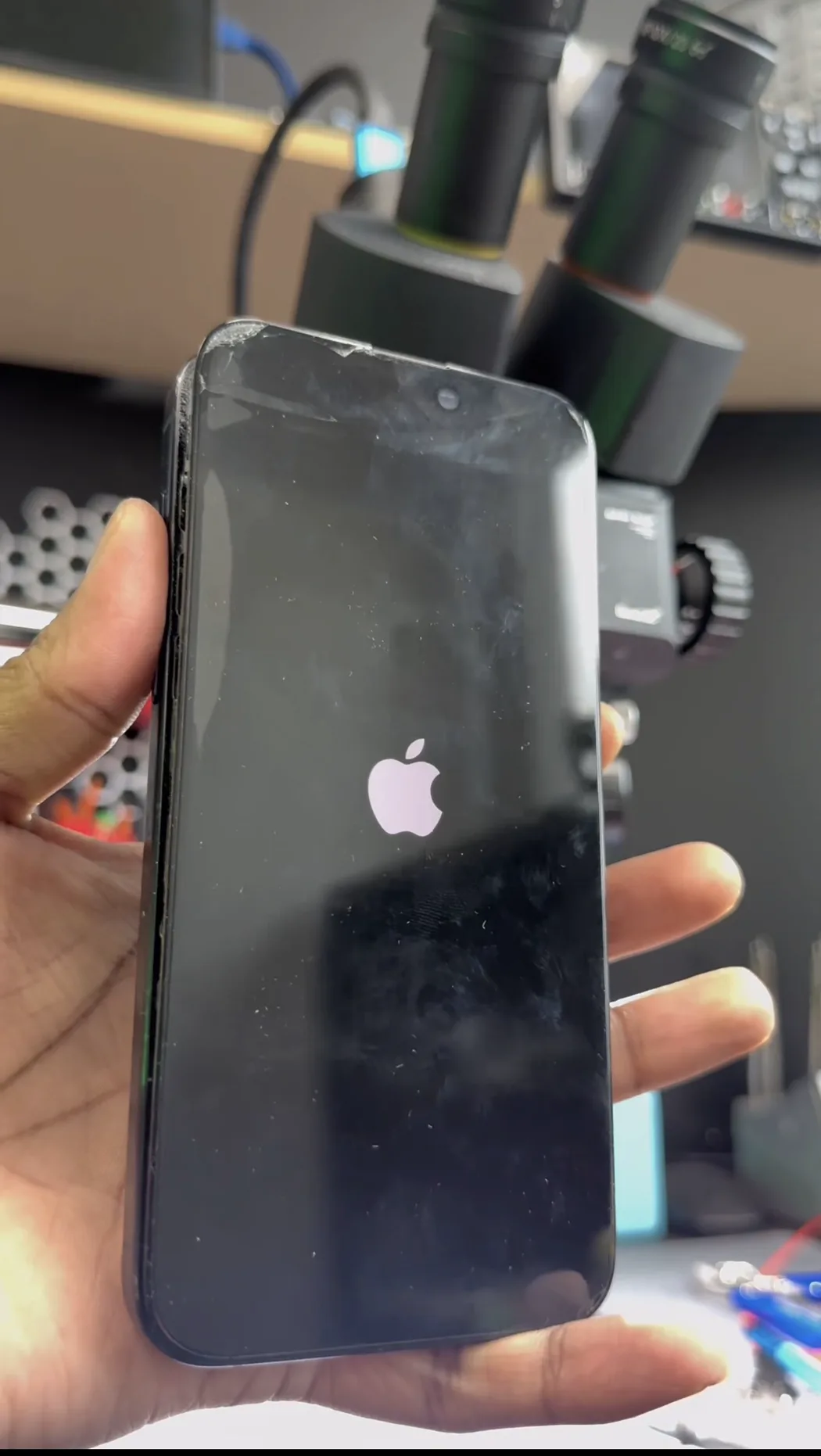
The Apple logo came back. Then the lock screen. The owner entered their passcode on their own phone, which is the only way that encryption key is ever unlocked, and everything was there. Photos, messages, notes, the lot. Nothing had been damaged, because nothing about the storage had ever been wrong.
From there we took a full backup before anything else happened. That's the order that matters on a board-level recovery: get the data off first, while the phone is up. A repaired rail is a repaired rail, not a guarantee, and the point of the job was never the phone.
If your screen just went black
Stop trying to force it. Repeated hard resets and charge cycles push current through a board that already has a short on it. It rarely helps and it can make a contained fault worse.
Don't let anyone wipe or restore it. A DFU restore erases the phone. If the data matters, a restore is the one thing that turns a recoverable situation into a permanent loss.
A screen swap is a diagnostic, not a fix. If a known-good display changes nothing, the fault is on the board and the phone needs someone who works at component level, not another screen.
Say the data matters, up front. It changes the whole approach. A repair tech optimises for a working phone. A recovery job optimises for getting your files off safely, and those are not always the same sequence of steps.
What this costs
Board-level phone data recovery runs $220–$450. It starts with a free diagnostic and a fixed written quote before anything is touched, and if we can't recover your data you don't pay a recovery fee. Most cases are back with the owner inside a few days.
FAQ
My iPhone screen is black but it still vibrates. Is my data gone?
Almost certainly not. Vibration, sounds and charging all mean the phone is running normally and the storage is powered. A black screen is a display fault, and the display has nothing to do with where your photos are stored. The data is usually sitting there intact behind a screen that can't show you the passcode prompt.
Can you recover data from an iPhone with no display?
Yes, but the display has to be made to work first. iPhone storage is encrypted with a key tied to your passcode, so nothing can be read off the phone until the passcode is entered on the device itself. That means restoring the display long enough for you to unlock it, then taking a backup.
Why didn't a new screen fix it?
Because the fault wasn't in the screen. The display needs several voltages generated on the logic board by a display power management IC. If one of the small capacitors supporting those rails shorts, the rail collapses and the PMIC refuses to power any display you plug in. A new screen can't fix a missing voltage.
Do you need my passcode?
No, and we won't ask for it. You enter it yourself once the display is working. That's the only way the encryption key is released, and it means your phone is never unlocked outside your presence.
How much does iPhone data recovery cost in Mississauga?
Board-level phone recovery is $220 to $450 depending on the fault. Software-level recovery, where the phone still displays and boots, is $120 to $220. Both start with a free diagnostic and a fixed written quote, and there's no recovery fee if we don't get your data.
Can I mail my phone in?
Yes. We take mail-in data recovery from anywhere in Canada with a prepaid insured label. You'll need to be available to enter your passcode once the display is working, so we arrange a time rather than doing it without you.
Don't wipe it. Let us look first.
Free diagnostic, fixed written quote before any work, and no recovery fee if we don't get your data back. Walk in to our Mississauga shop or mail it in from anywhere in Canada.